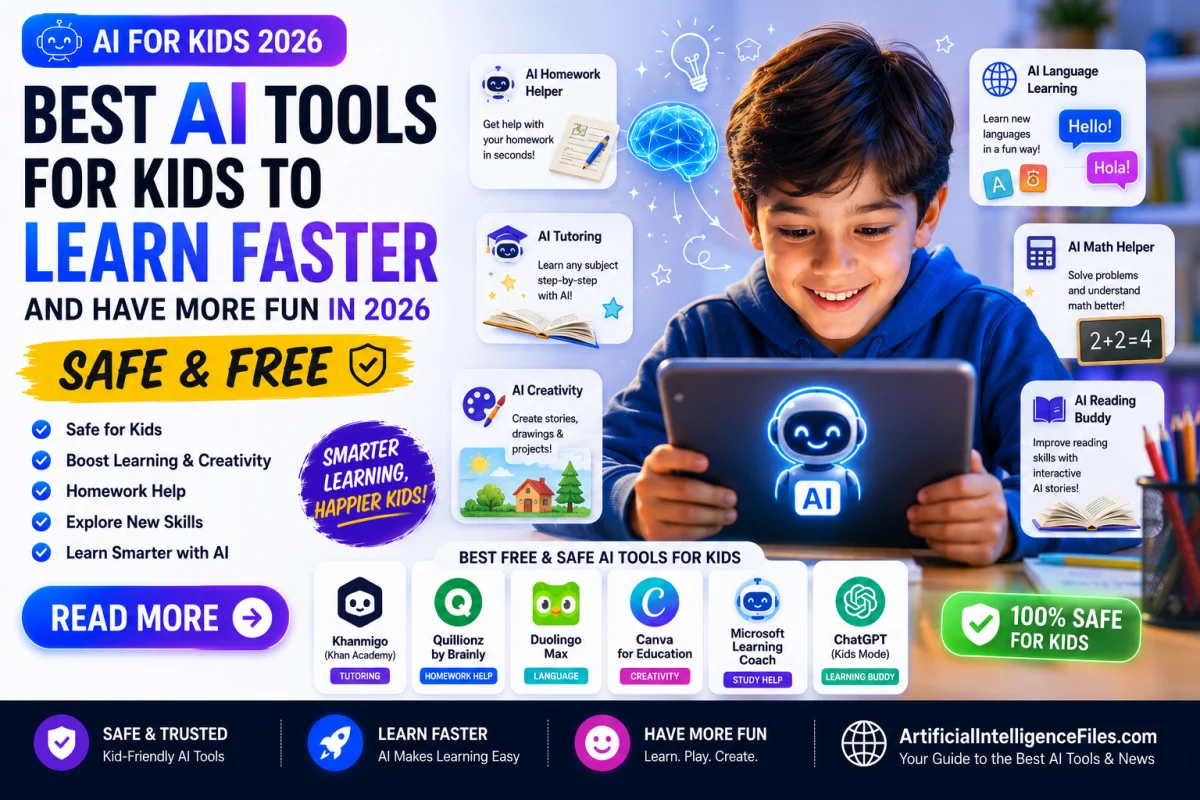
Every parent wants their child to learn better, faster, and with more confidence. And every parent worries about screen time, online safety, and whether technology is actually helping or just distracting.
The good news is that in 2026, AI learning tools for children have become genuinely impressive — and many of the best ones are completely free, specifically designed for kids, and built with serious safety features that parents can trust.
Student use of AI tools jumped from 66% in 2024 to 92% in 2025. The question is no longer whether your child will use AI to learn — it is which tools are safe, actually educational, and worth your child's time.
This guide answers exactly that. Every tool included has been tested by parents and rated for safety, educational value, and age-appropriateness.
What Makes an AI Tool Safe and Good for Kids?
Before getting into the tools, here is what to look for when choosing any AI tool for your child.
A good AI learning tool explains ideas step by step rather than just handing over answers. It encourages your child to think rather than replacing their thinking. It has content filters and does not expose children to inappropriate material. It is COPPA-compliant — meaning it follows strict rules about data collection for children under 13. And ideally, it was designed for children from the ground up rather than adapted from an adult tool.
With that in mind, here are the best AI tools for kids in 2026 — organised by what your child needs most.
For Reading and Language — Ages 3 to 10
Khan Academy Kids — Best Free AI Learning App for Young Children
Age range: 2 to 8 years Free: 100% free, no subscription ever Link: khanacademy.org/kids
Khan Academy Kids is completely free, completely ad-free, and built specifically for young children. It uses AI to personalise the learning experience — adapting to each child's pace and skill level automatically.
The app covers reading, writing, maths, social skills, and creative activities through games, songs, and stories that children genuinely enjoy. There are no in-app purchases, no subscriptions, and no ads — ever. It is one of the cleanest and most trusted free educational tools available for young learners in 2026.
Duolingo — Best AI Tool for Language Learning
Age range: 3 and above Free: Yes — full core content free forever Link: duolingo.com
Duolingo uses AI to personalise language lessons and adapt to each learner's strengths and weaknesses. Its bite-sized lessons, streaks, and reward systems keep children genuinely motivated — which is why it is one of the most downloaded education apps in the world.
Children learning Spanish with Duolingo showed a 21% improvement in vocabulary and grammar in independent studies. The free tier gives full access to over 40 languages with no in-app purchases needed for core learning. Duolingo ABC is also available specifically for ages 3 to 6 to learn reading through 700+ interactive lessons.
Ello — Best AI Reading Coach for Early Readers
Age range: 3 to 8 years Free: Free trial available Link: helloello.com
Ello is an AI reading coach that listens to your child read aloud and gives real-time, personalised feedback — just like a patient human tutor, available any time of day. It corrects pronunciation gently, celebrates progress, and adjusts the difficulty of books based on your child's reading level.
For parents of early readers, this is one of the most genuinely useful AI tools available. Being read to and reading aloud with feedback are two of the most effective ways to build reading confidence — and Ello makes that available at home without a human tutor.
For Maths — Ages 6 to 15
Khanmigo — Best AI Maths Tutor That Teaches Thinking
Age range: 6 and above Free: Free for students in many regions Link: khanmigo.ai
Khanmigo is Khan Academy's official AI tutor — and it works very differently from other AI tools. Instead of giving children the answer when they are stuck, it guides them toward figuring it out themselves. It asks questions like "What do you think the next step might be?" rather than just solving the problem for them.
This approach builds real understanding rather than just helping children get the right answer on today's homework. For maths especially, where understanding the process matters far more than memorising answers, Khanmigo is one of the best free AI learning tools available in 2026.
Photomath — Best Free AI Tool for Maths Homework Help
Age range: 10 and above Free: Yes — core features free Link: photomath.com
Photomath lets children take a photo of any maths problem and get a step-by-step explanation of how to solve it. It does not just give the answer — it shows every step clearly so children can understand the method and apply it themselves next time.
It works for arithmetic, algebra, geometry, calculus, and more. For parents who struggled with maths themselves and find it hard to help with homework, Photomath is a genuinely useful tool that helps children learn independently rather than just copying answers.
For Coding — Ages 6 to 15
Scratch — Best Free Coding Tool for Children
Age range: 6 to 16 years Free: 100% free, no account needed to start Link: scratch.mit.edu
Scratch is developed by MIT and is the world's largest free coding education platform, serving children from kindergarten through high school. Children learn to code by building their own interactive games, stories, and animations using colourful drag-and-drop blocks.
AI extensions in Scratch now let children add speech recognition, image classification, and text generation to their projects — making it one of the most exciting creative coding tools available for children in 2026. No downloads, no installation, and no account needed to start exploring.
Code.org — Best Structured AI Learning for Schools and Home
Age range: 6 to 15 years Free: 100% free, complete curriculum Link: code.org
Code.org offers a complete, structured computer science curriculum that includes dedicated AI modules teaching children how AI works, what training data is, and how to think about bias and fairness in AI systems.
The lessons are interactive, age-appropriate, and aligned with school standards. Children learn real concepts — not just how to use AI tools, but how AI actually thinks and makes decisions. This is the kind of foundational understanding that will be genuinely valuable for any child growing up in an AI-powered world.
For Creativity — Ages 6 to 15
Canva — Best Free AI Creative Tool for Older Kids
Age range: 9 and above Free: Yes — generous free tier, education version available Link: canva.com/education
Canva for Education is completely free for teachers and students. Children can use AI image generation, design tools, and presentation builders to create professional-looking projects for school and personal creativity.
It teaches real design skills that will be useful for years — and the AI tools inside Canva let children experiment with image generation and layout design in a completely safe, moderated environment. Children aged 9 to 12 in particular love how quickly they can make things that look genuinely impressive.
Kidgeni — Best Safe AI Art Tool for Children
Age range: 5 to 12 years Free: Yes — free tier available Link: kidgeni.com
Kidgeni is an AI art creation platform built exclusively for children. Every image generated is filtered through strict content moderation designed specifically for young users — parents can trust that their child will not encounter inappropriate content.
Children describe what they want to create in simple words and Kidgeni generates colourful, child-appropriate illustrations. It sparks creative thinking and helps children develop the skill of describing ideas clearly — which is increasingly important in a world where communicating with AI tools is a core skill.
For General Learning — Ages 10 and Above
Google Gemini — Best Free General AI for Older Students
Age range: 13 and above (with parent setup) Free: Yes — very generous free tier Link: gemini.google.com
For students aged 13 and above, Google Gemini is one of the most powerful free AI learning tools available. With a free Google account, students can ask questions on any subject, get clear explanations, help with essay planning, research support, and study summaries.
Because Gemini connects directly to Google Search, it can answer questions about recent events and current topics — making it particularly useful for history projects, current affairs assignments, and research tasks. Parents should set up the account and discuss responsible use before children use it independently.
Microsoft Copilot — Best Free AI for School Projects
Age range: 13 and above Free: Yes — no credit card required Link: copilot.microsoft.com
Microsoft Copilot is free, works directly inside Microsoft Word and PowerPoint, and helps students with writing, research, and presentation creation. For schools that use Microsoft 365, it integrates directly into the tools students already use for schoolwork — making it one of the most practical free AI tools for older students in 2026.
A Safety Guide for Parents — What to Know Before Your Child Uses AI
Here are the most important things every parent should know before their child starts using any AI tool.
Children under 13 should always use tools that are specifically designed for their age group — like Khan Academy Kids, Scratch, Code.org, and Kidgeni. These are COPPA-compliant, meaning they follow strict legal rules about data collection for children.
For general AI tools like Google Gemini and Microsoft Copilot, parents should create the account using a parent-controlled email address and be present for the first few sessions to establish boundaries around appropriate use.
The most important rule is the "explain it to me" rule — if your child cannot explain what the AI told them in their own words, they did not learn it. They just copied it. Encourage your child to use AI to understand things, not to replace understanding.
Talk to your child about the difference between AI-assisted learning and AI-generated answers. A child who uses Khanmigo to understand how to solve an equation has learned something. A child who uses it to get the answer without understanding the process has not.
Final Thoughts
AI learning tools in 2026 are genuinely exciting — and genuinely useful — for children of every age. The tools on this list cover reading, maths, coding, creativity, and general learning. Most are completely free. All are appropriate for children. And the best ones do not just help children get the right answers — they help children become better thinkers.
Start with one tool that matches what your child needs most right now. Let them explore it with you for the first few sessions. Then step back and watch what they build, learn, and create with it.
Want more guides on AI tools, news, and tips for families and learners? Visit ArtificialIntelligenceFiles.com — your simple guide to everything happening in AI right now, updated every week.
Frequently Asked Questions (FAQs)
Q1. Are AI tools safe for children to use in 2026?
Many AI tools are safe for children — but not all of them. The safest options are those specifically designed for children, such as Khan Academy Kids, Scratch, Code.org, and Kidgeni. These are COPPA-compliant and have content filters built in. General AI tools like ChatGPT and Google Gemini are safe for children aged 13 and above when a parent sets up the account and discusses responsible use first. Always avoid giving children under 13 access to general-purpose AI tools without supervision.
Q2. What is the best free AI learning tool for children under 10?
The best completely free AI learning tools for children under 10 are Khan Academy Kids for general learning, Duolingo for language learning, Scratch for creative coding, and Ello for reading development. All four are either completely free or have generous free tiers, and all are specifically designed to be safe and appropriate for young children.
Q3. How can parents use AI to help their children study at home?
Parents can use AI tools to help children in several practical ways. Ask Google Gemini or Microsoft Copilot to explain a difficult concept in simple language and then discuss it together. Use Khanmigo to guide children through maths problems step by step rather than giving them answers. Use Photomath to check homework and understand where mistakes happened. Use Scratch to turn coding into a creative family activity. The key is to use AI as a tool for conversation and exploration — not as a shortcut to skip the learning.
Q4. At what age can children start using AI tools for learning?
Children as young as 2 to 3 can use AI-powered apps like Khan Academy Kids through supervised touch-screen interaction. Ages 6 to 8 can start exploring visual coding with Scratch and creative tools like Kidgeni. Ages 9 to 12 can use Canva for Education, Photomath, and Code.org independently. Ages 13 and above can use general AI tools like Google Gemini and Microsoft Copilot responsibly with a parent-set account.
Q5. Will using AI tools make children less capable of thinking for themselves?
Only if used incorrectly. AI tools that give children answers without explanation — and children who accept those answers without understanding them — do not build real skills. But AI tools that guide children through problems, explain concepts clearly, and encourage curiosity actively build stronger thinking skills than many traditional methods. The difference lies entirely in how the tool is used. The golden rule is simple: if your child cannot explain it without the screen, they did not learn it yet.
