Not long ago, learning to code meant months of frustration. Confusing textbooks, cryptic error messages, and a learning curve so steep that most beginners quit within the first few weeks.
In 2026, that experience has completely changed.
AI coding tools now sit beside you like a patient, knowledgeable friend — explaining what every line of code means, fixing your errors instantly, and showing you how to build real things from day one. Students using AI coding tools complete projects 40% faster and produce better quality code than those learning without AI assistance.
The best part? You can start learning to code with AI today, completely free, even if you have never written a single line of code in your life.
Here is exactly how to do it.
Do You Need to Know Coding Before Using AI Coding Tools?
This is the first question every beginner asks — and the honest answer is no, but a little understanding goes a long way.
AI coding tools are not magic buttons that build apps while you sit back and do nothing. They work best when you understand the basics of what you are trying to build. Think of it this way — AI is like GPS navigation. It helps you get where you are going much faster. But you still need to know what your destination is.
The good news is that AI tools are also the best way to learn those basics. You can use them to explain concepts, answer questions, and guide you step by step through building your first real project — all at the same time.
Step 1 — Start with ChatGPT to Understand the Basics
Before you touch a single coding tool, spend two or three days using ChatGPT to understand what programming actually is.
Ask it questions like:
- "What is coding and how does it work for a complete beginner?"
- "What programming language should I learn first and why?"
- "Explain what a variable is using a simple real-life example."
- "What is the difference between frontend and backend development?"
ChatGPT will explain every concept in plain language — as simply or as deeply as you want. This foundation makes everything else click much faster. Most beginners skip this step and then feel lost when they start writing actual code. Do not skip it.
For most beginners, Python is the best first language to learn. It is simple to read, widely used, and AI tools understand it better than almost any other language. If you want to build websites, start with HTML and JavaScript instead.
Step 2 — Use Replit to Write Your First Code Without Installing Anything
The biggest barrier for most beginners is setting up a coding environment on their computer. It involves installing software, configuring settings, and dealing with errors before you have even written a single word of code.
Replit completely removes this barrier. It is a full coding environment that runs entirely in your browser — no installation, no setup, no configuration. You open the website, choose a programming language, and start writing code immediately. It works on any device, including a smartphone or a school laptop.
The free tier is generous enough for learning and building small projects. Replit also has AI assistance built in that can help you fix errors and understand what your code is doing — making it the single best starting point for a complete beginner in 2026.
Step 3 — Install GitHub Copilot Free for Real-Time AI Help
Once you have written some basic code and feel comfortable with the idea, the next step is adding an AI coding assistant that works directly alongside you as you type.
GitHub Copilot is the most widely used AI coding tool in the world. Its free plan gives you 2,000 code completions per month and 50 chat messages — more than enough for someone learning. It works inside VS Code, the world's most popular free code editor.
Here is how it helps beginners. You write a comment in plain English describing what you want — for example, "create a function that calculates the total price including tax" — and Copilot generates the code for you automatically. You then read that code, understand what it does, and learn by seeing how experienced developers would solve the same problem.
Over time you start anticipating the suggestions before they appear — which is how you know you are genuinely learning to code, not just relying on AI.
Step 4 — Use Claude to Understand Code You Don't Understand
No matter how good your tools are, you will encounter code you simply do not understand. This is where Claude becomes invaluable.
Claude's ability to explain code is exceptional. Paste any block of code you are confused by and ask it to explain what every line does in plain English. Ask it why a specific approach was used. Ask it what would happen if you changed one part. Ask it to rewrite the same code in a simpler way.
This kind of deep explanation is something no textbook or YouTube tutorial can replicate — because Claude answers your exact question about your exact code in real time. Beginners who use Claude alongside their coding tool learn concepts much faster than those who just copy solutions without understanding them.
Step 5 — Build Something Real from Week One
The fastest way to learn coding is to build something you actually care about — not follow along with generic tutorials that teach you skills you immediately forget.
Use ChatGPT to help you plan a small project. Tell it your skill level and ask it to suggest a beginner project based on your interests. Some great starting points are a personal to-do list app, a simple quiz game, a calculator, a weather checker, or a basic website about a topic you love.
Then use Replit to build it, GitHub Copilot to help you write the code, and Claude to explain anything you do not understand along the way. This combination turns weeks of passive learning into days of active building — which is the only approach that actually works.
Best Free AI Coding Tools for Beginners in 2026
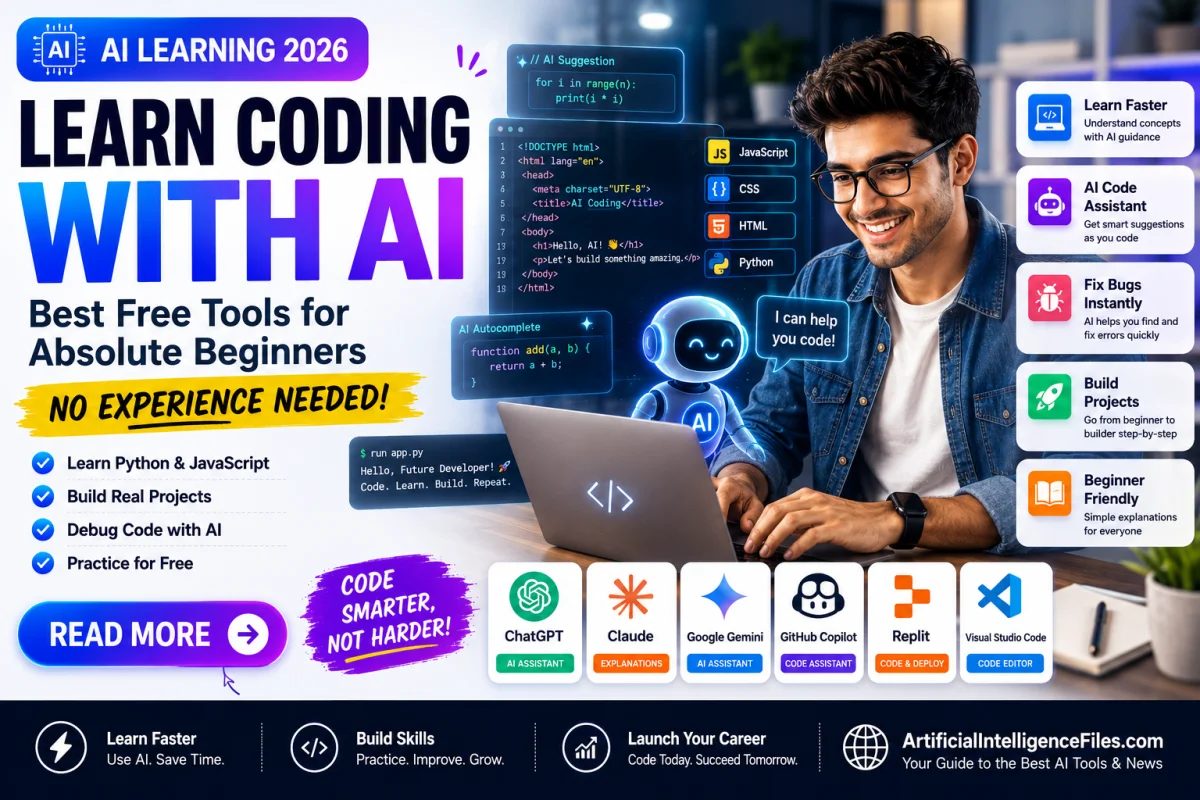
Here is a clean summary of every free tool mentioned in this guide, what each one does, and who it is best for.
ChatGPT — Best for understanding concepts, planning projects, and getting answers to any coding question in plain English. Free plan available with no credit card.
Claude — Best for explaining code line by line and understanding why something works the way it does. Produces the clearest explanations of any AI tool available. Free plan available.
Replit — Best for complete beginners who want to start coding instantly with no setup. Runs entirely in your browser. Free tier available.
GitHub Copilot — Best for learning inside a real code editor with AI suggestions as you type. 2,000 free completions per month, no credit card required. Free for students.
Windsurf — Best free option if you want unlimited AI completions with no monthly caps. Built on VS Code so it feels familiar. Completely free.
Codeium — Best free alternative to GitHub Copilot with unlimited completions and support for over 70 programming languages. No credit card needed.
Google Antigravity — Google's newest free agentic coding tool where you describe what you want and AI plans, writes, and tests the code for you. Currently in free public preview.
A Simple 4-Week Plan to Go from Zero to Building Real Projects
Here is a practical week-by-week roadmap any beginner can follow using only the free tools above.
In the first week, spend 30 minutes per day using ChatGPT to learn what programming is, choose your first language, and understand the basic concepts — variables, functions, and loops — through conversation rather than textbooks.
In the second week, open Replit and start writing simple code every day. Do small exercises. Make mistakes. Ask Claude to explain every error message you see and why it happened.
In the third week, install GitHub Copilot or Windsurf and start your first real project. Let AI help you write sections you do not know how to write yet — but always read and understand every line before moving on.
In the fourth week, finish your project and make it work end to end. Share it with someone. Ask ChatGPT what you could improve and what you should learn next. By this point you will have built a real working project and understand far more than most people who spend four weeks watching tutorials.
Final Thoughts
Coding used to be one of the hardest skills to learn on your own. In 2026, AI has made it one of the most accessible. You do not need a computer science degree, an expensive course, or years of study. You need the right free tools, a clear starting point, and the patience to build something real from day one.
The tools in this guide cost nothing. The only investment is your time.
Want to discover more free AI tools, guides, and the latest news in artificial intelligence? Visit ArtificialIntelligenceFiles.com — your simple guide to everything happening in AI right now, updated every week.
Frequently Asked Questions (FAQs)
Q1. Can a complete beginner really learn to code using AI tools in 2026?
Yes, absolutely. AI tools like ChatGPT, Claude, and GitHub Copilot have made it possible for people with zero coding experience to understand programming concepts, write real code, and build working projects. The key is to use AI to explain and guide rather than just copy and paste. You will learn fastest by understanding what the AI writes, not just using its output.
Q2. What is the best free AI tool for learning to code from scratch?
The best combination for absolute beginners is ChatGPT for understanding concepts, Replit for writing code in your browser without any setup, and Claude for explaining any code you do not understand. All three are completely free with no credit card required.
Q3. What programming language should I learn first with AI in 2026?
Python is the best first language for most beginners. It is easy to read, widely used in data science, AI, and web development, and AI tools like ChatGPT and Claude understand Python better than almost any other language. If your goal is to build websites, start with HTML and CSS, then move to JavaScript.
Q4. Is GitHub Copilot really free for beginners?
Yes. GitHub Copilot's free plan gives you 2,000 code completions per month and 50 chat messages — no credit card required. It is free for all individual users and completely free for verified students. For most beginners learning a few hours per week, the free tier is more than enough.
Q5. How long does it take to learn coding with AI tools as a beginner?
With consistent daily practice of 30 to 60 minutes, most beginners can build a simple working project within 4 weeks using AI tools. This is significantly faster than traditional learning methods. However, becoming a professional developer still takes months of practice — AI speeds up the journey but does not replace the need to understand what you are building.
