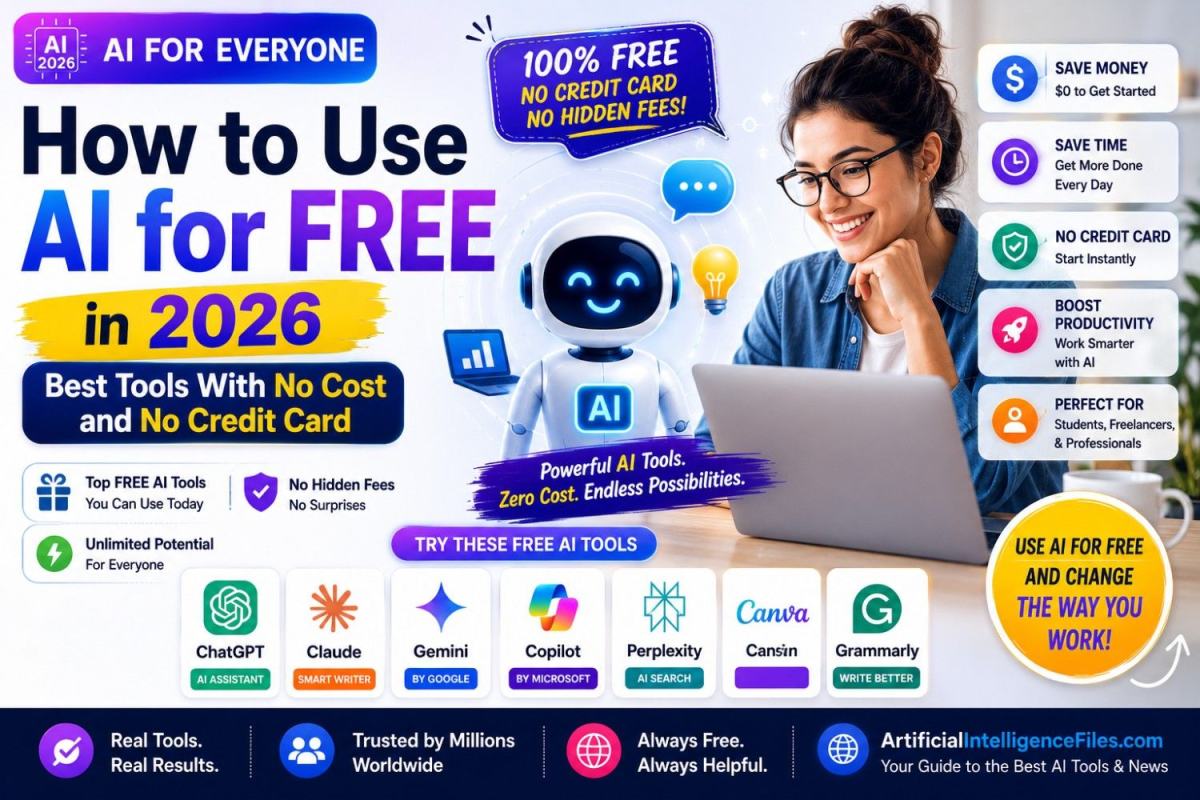
Here is something most people do not know — you do not need to spend a single penny to use some of the most powerful AI tools in the world right now.
No credit card. No free trial that secretly charges you later. No hidden fees. Just free, genuinely powerful AI tools that anyone in the world can start using today.
In 2026, the competition between AI companies has gotten so intense that ChatGPT, Claude, Google Gemini, and Perplexity all offer real, useful free plans — not watered-down demos, but tools capable enough to handle most everyday tasks without paying a thing.
This guide shows you exactly how to access and use all of them — step by step.
The Honest Truth About "Free" AI Tools in 2026
Before we get into the list, here is something important to understand. Free AI tools in 2026 are genuinely free — but they do have limits.
You might get 50 messages every few hours, or a daily usage cap, or access to a slightly less powerful version of the full model. These limits exist to keep the service sustainable. For most casual users — students, beginners, freelancers doing a few tasks per day — the free tiers cover 85 to 90% of everything they need.
The smart approach in 2026 is not to rely on one free tool. It is to use each free tool for what it does best, and rotate between them when you hit a limit. By the end of this guide, you will know exactly how to do that.
1. ChatGPT — The Best Starting Point for Beginners
Free plan: Yes — no credit card required Sign up: chatgpt.com
ChatGPT is the most recognisable AI tool in the world and the best starting point if you have never used AI before. The free plan gives you access to a highly capable model that can answer questions, write content, help with research, solve problems, write code, and assist with almost any task you throw at it.
The free tier allows around 50 messages every few hours — which is more than enough for most people going about a normal day. Just go to chatgpt.com, create a free account with your email, and start chatting. No credit card at any point.
Best for: General tasks, writing, research, answering questions, everyday help
2. Claude — Best Free AI for Writing and Reading Long Documents
Free plan: Yes — no credit card required Sign up: claude.ai
Claude by Anthropic is the AI tool that most writers, professionals, and students turn to when quality of writing truly matters. On the free plan, Claude gives you access to Claude Sonnet — a top-tier model that produces writing that sounds more natural and human than almost any other free AI tool available.
It is particularly powerful for reading and analysing long documents. Paste in a full contract, research paper, or business report and ask Claude to summarise it, explain it, or pull out the most important points. The free daily message limit is generous enough for regular use throughout the day.
Best for: High-quality writing, long documents, analysis, natural conversation
3. Google Gemini — Best Free AI If You Use Google
Free plan: Yes — unlimited on the base model, no credit card required Sign up: gemini.google.com
If you already have a Gmail account, you already have access to Google Gemini. No new sign-up needed — just open the link and start.
Gemini's biggest advantage is its deep connection to Google's tools. It works directly inside Gmail, Google Docs, Google Sheets, and Google Drive. You can ask it to help write an email, summarise a document, or organise your Drive files — all without leaving the apps you already use every day. The free tier is the most generous of all the major AI tools, with very high daily usage limits and real-time access to Google Search built in.
Best for: Research, Google Workspace users, real-time information, unlimited queries
4. Microsoft Copilot — Best Free AI for Windows Users
Free plan: Yes — unlimited, no credit card, no account required to start Access: copilot.microsoft.com
Microsoft Copilot is built directly into Windows 11, Microsoft Edge, and the Office apps millions of people already use. You can access it right now without creating any new account at all — just open the website or press the Copilot button in Windows.
It runs on a powerful model and gives you web search, image generation, document help, and general AI assistance completely free with no daily limit on basic chat. If you are on a Windows computer, this is the easiest possible way to start using AI today — it is already there waiting for you.
Best for: Windows users, quick access with no account, general daily tasks
5. Perplexity AI — Best Free AI for Research and Current News
Free plan: Yes — unlimited basic searches, no credit card required Sign up: perplexity.ai
Perplexity AI works differently from the other tools on this list. Instead of just chatting, it searches the web in real time, reads multiple sources, and gives you a well-structured answer with direct links to where it found the information.
This makes it the best free AI tool for research, fact-checking, and getting current news. You can ask it about something that happened yesterday and get an accurate, sourced answer — something regular chatbots struggle with on their free tiers. The basic search is completely unlimited and free forever.
Best for: Research, current events, fact-checking, sourced answers
6. Canva AI — Best Free AI for Creating Visuals
Free plan: Yes — generous free tier, no credit card required Sign up: canva.com
Canva is not just a design tool anymore. In 2026 it is a full AI creative platform. The free plan gives you access to AI image generation, Magic Design for creating graphics from text descriptions, a background remover, and thousands of templates for social media posts, presentations, and documents.
If you need to create anything visual — a YouTube thumbnail, an Instagram post, a presentation slide, or a business flyer — Canva's free AI tools can do it in minutes with no design experience required.
Best for: Social media graphics, presentations, designs, thumbnails, visual content
7. Grammarly — Best Free AI for Writing Clearly and Professionally
Free plan: Yes — core features free, no credit card required Sign up: grammarly.com
Grammarly works invisibly inside Gmail, Google Docs, LinkedIn, and almost every website where you type. It catches grammar mistakes, suggests clearer sentences, and helps your writing sound professional — all in real time as you type.
The free plan covers grammar checking, clarity suggestions, and basic tone adjustments. It is one of the most useful free tools available because it works everywhere without you having to do anything differently. Just install the browser extension and it starts helping immediately.
Best for: Emails, professional writing, social media posts, essays, everyday text
The Smartest Way to Use Free AI Tools in 2026
The most effective free AI strategy is to use each tool for what it does best and rotate between them throughout your day.
Use Perplexity when you need current information or research with sources. Use Claude for your most important writing tasks of the day — save your free messages for the work that matters most. Use ChatGPT for everyday questions, brainstorming, and general help. Use Gemini when you need unlimited queries or are working inside Google apps. Use Canva for any visual content. Use Grammarly to polish everything you write.
This free toolkit combined covers what a single $20 per month paid subscription covers — at zero cost.
Final Thoughts
In 2026, not using AI because you think it costs money is no longer a valid reason. The best AI tools in the world are available to anyone with an internet connection, completely free, right now.
Start with just one tool from this list today. Spend 10 minutes using it for a real task — writing an email, researching a topic, or designing something. Once you see what is possible, you will wonder how you ever worked without it.
Want to discover more free AI tools, honest reviews, and the latest AI news? Visit ArtificialIntelligenceFiles.com — your simple guide to the best AI content on the internet, updated every week.
Frequently Asked Questions (FAQs)
Q1. Is it really possible to use AI tools for free in 2026 without a credit card?
Yes, absolutely. Tools like ChatGPT, Claude, Google Gemini, Microsoft Copilot, and Perplexity all have genuine free plans that require no credit card at any point. You simply create a free account with your email and start using them immediately. No hidden charges, no trial periods that auto-charge you later.
Q2. What is the best free AI tool for a complete beginner?
If you have never used AI before, start with ChatGPT. It has the most beginner-friendly interface, handles a wide range of tasks, and gives you a generous free tier with no credit card required. Once you are comfortable, try Google Gemini and Claude to see which one suits your needs best.
Q3. Can I use free AI tools for my business or work?
Yes. ChatGPT, Claude, Gemini, Grammarly, and Canva all allow you to use content created on their free plans for business and commercial purposes. However, always check the individual tool's terms of service before using AI-generated content commercially, as policies can change.
Q4. What happens when I hit the daily limit on a free AI tool?
You do not lose access permanently — you just have to wait a few hours for your limit to reset. The smartest workaround is to rotate between tools. If you hit your ChatGPT limit, switch to Google Gemini or Microsoft Copilot, both of which have very generous free limits. This way you are never stuck waiting.
Q5. Do free AI tools store my conversations or share my data?
Most free AI tools store your conversation history by default so the AI can refer back to earlier parts of your chat. However, major platforms like ChatGPT, Claude, and Gemini give you the option to turn off chat history in settings, which means your conversations are not saved or used for training. Always check the privacy settings of whichever tool you use and read their privacy policy if data security matters to your work.
